
How to Price Phone Repairs: A Simple Formula for Repair Shops
A simple way to price phone repairs from your own numbers: parts, labor, overhead and a warranty buffer give your break-even price, then add your margin.
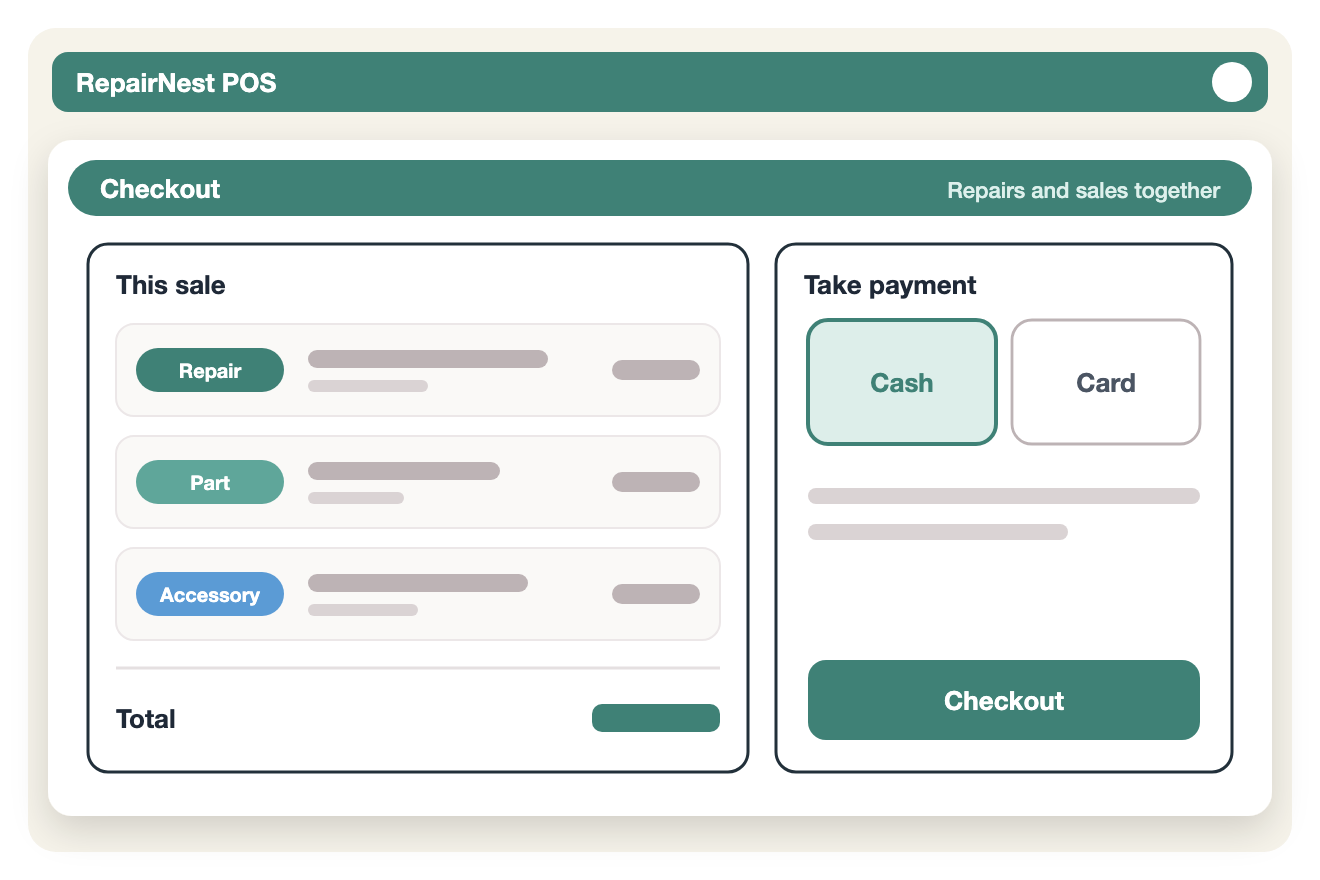
Manage repair tickets, phone and accessory sales, inventory, layaway and bill payment in one system built for cell phone, computer and game console repair shops.
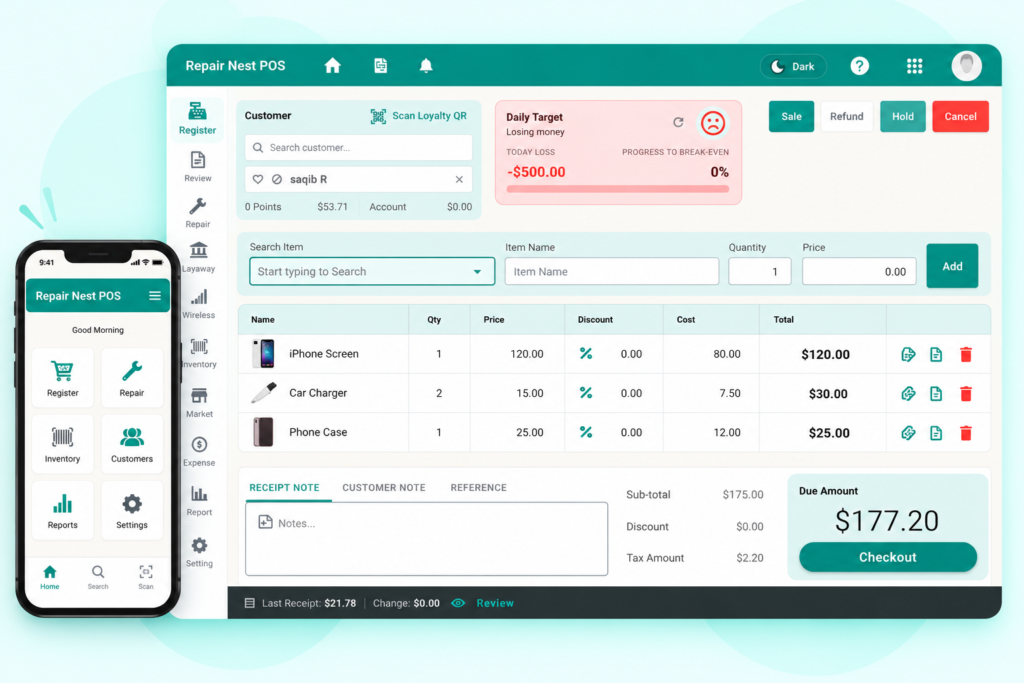
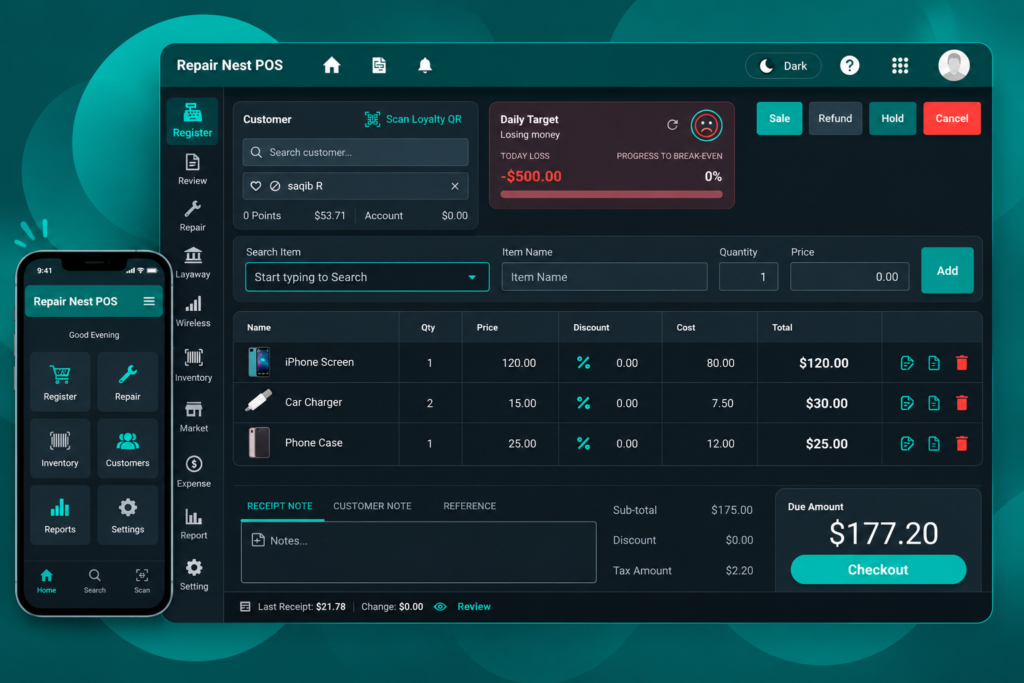
— One platform
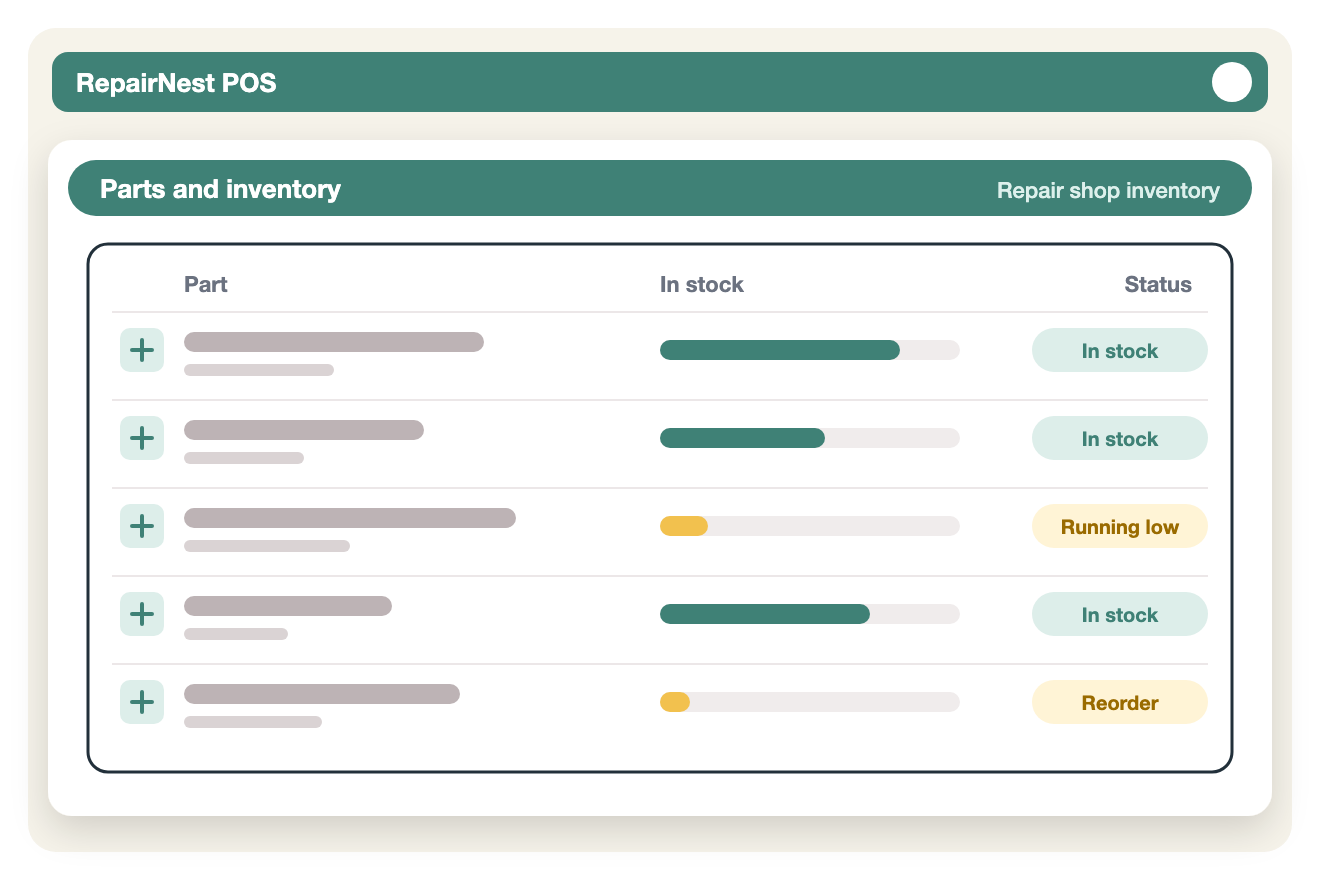
Know exactly what’s in stock, what’s running low, and what needs reordering, across one or multiple locations.
With RepairNest POS
Tools that save time at the counter and help your store grow.
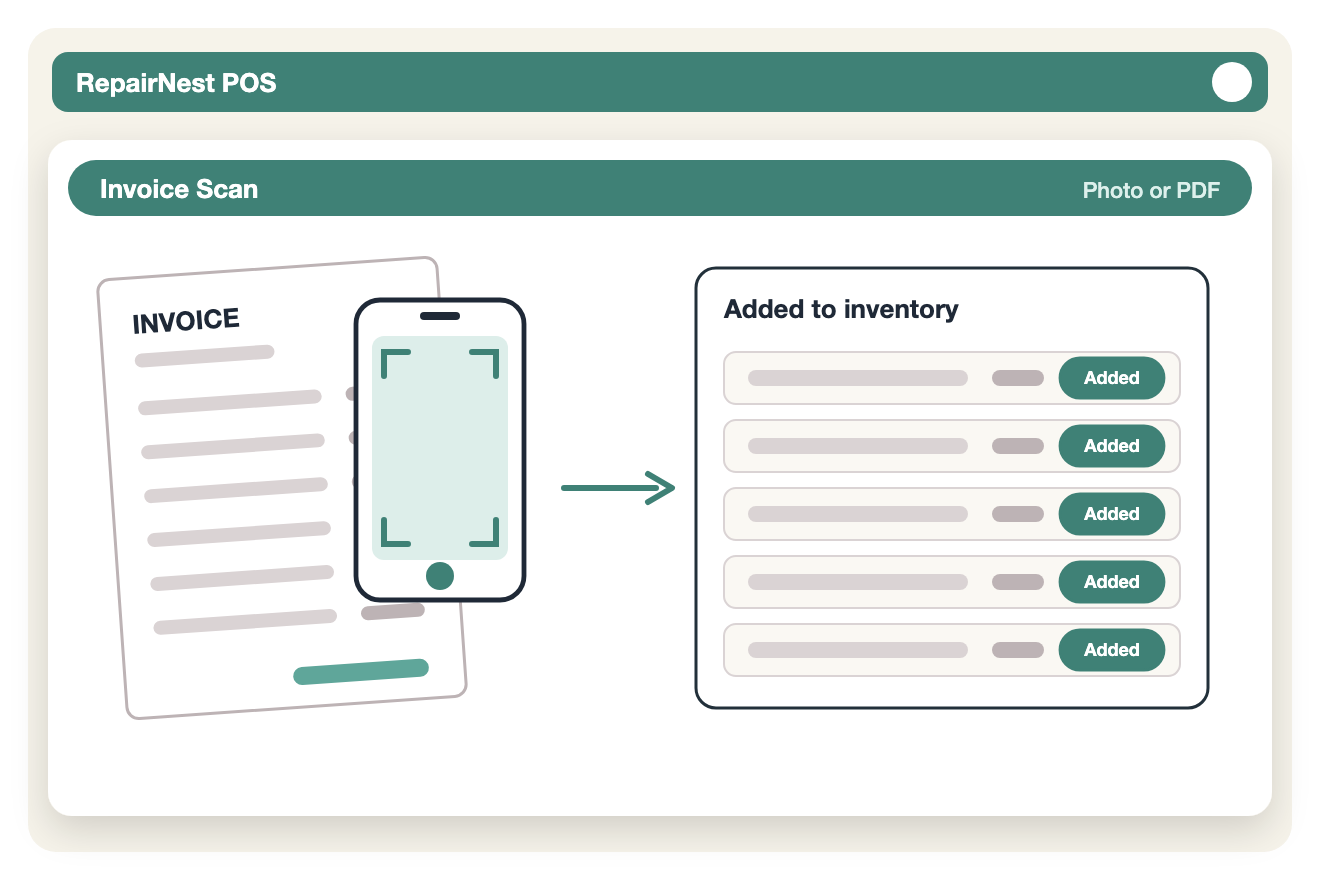
Receiving new stock takes minutes, not an evening of data entry.
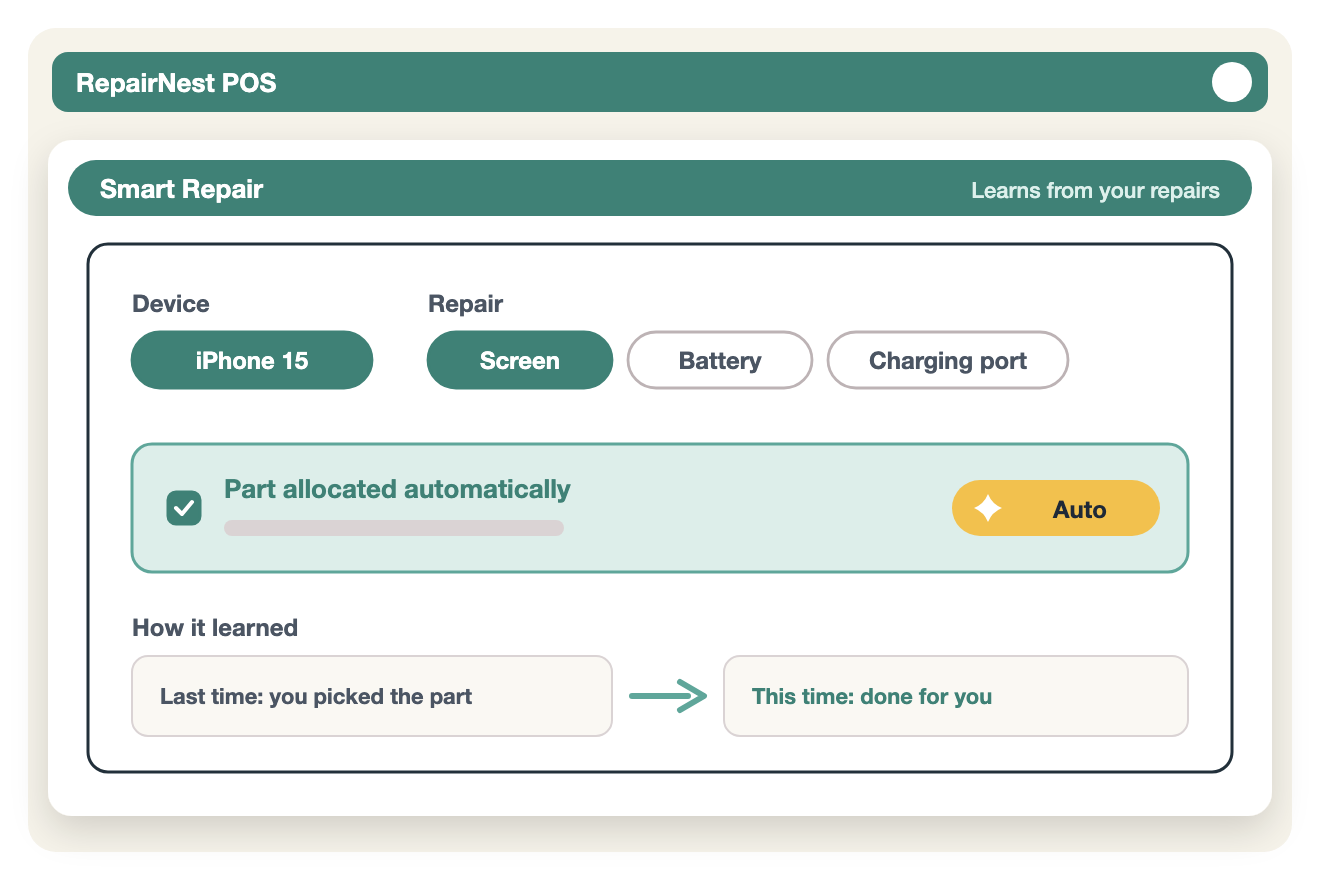
Do it once, and next time RepairNest does it for you.
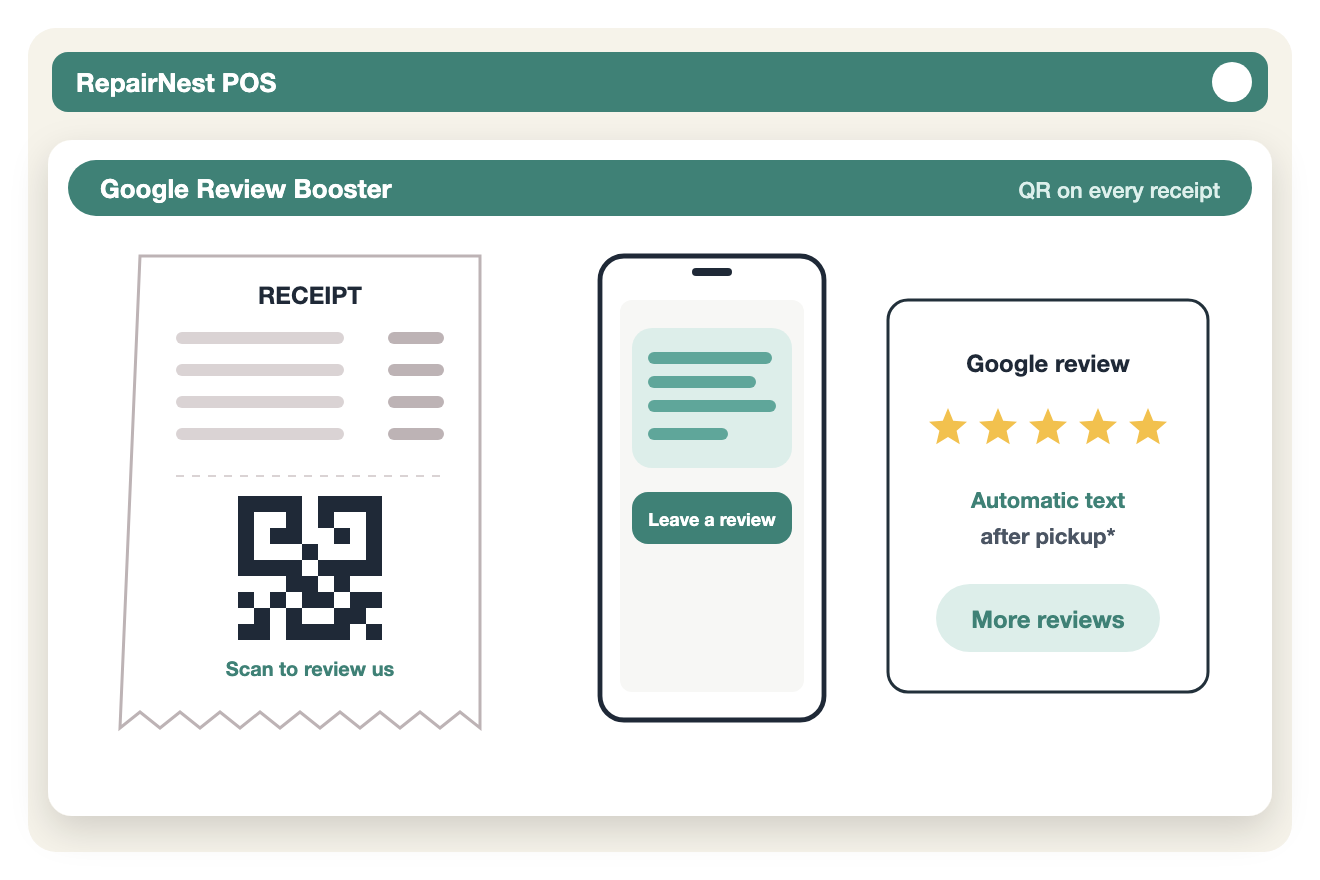
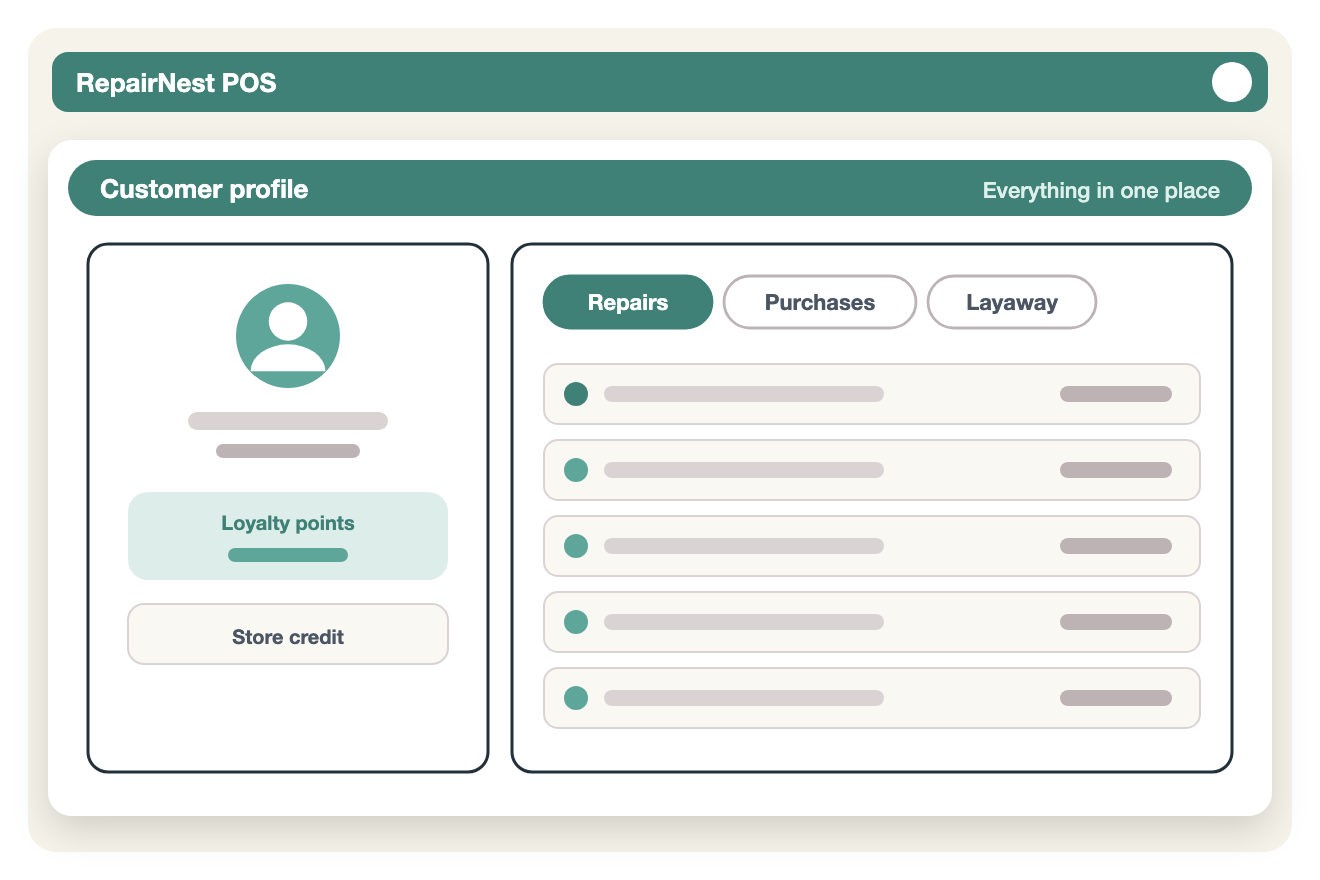
Grow your reputation without having to remember to ask.
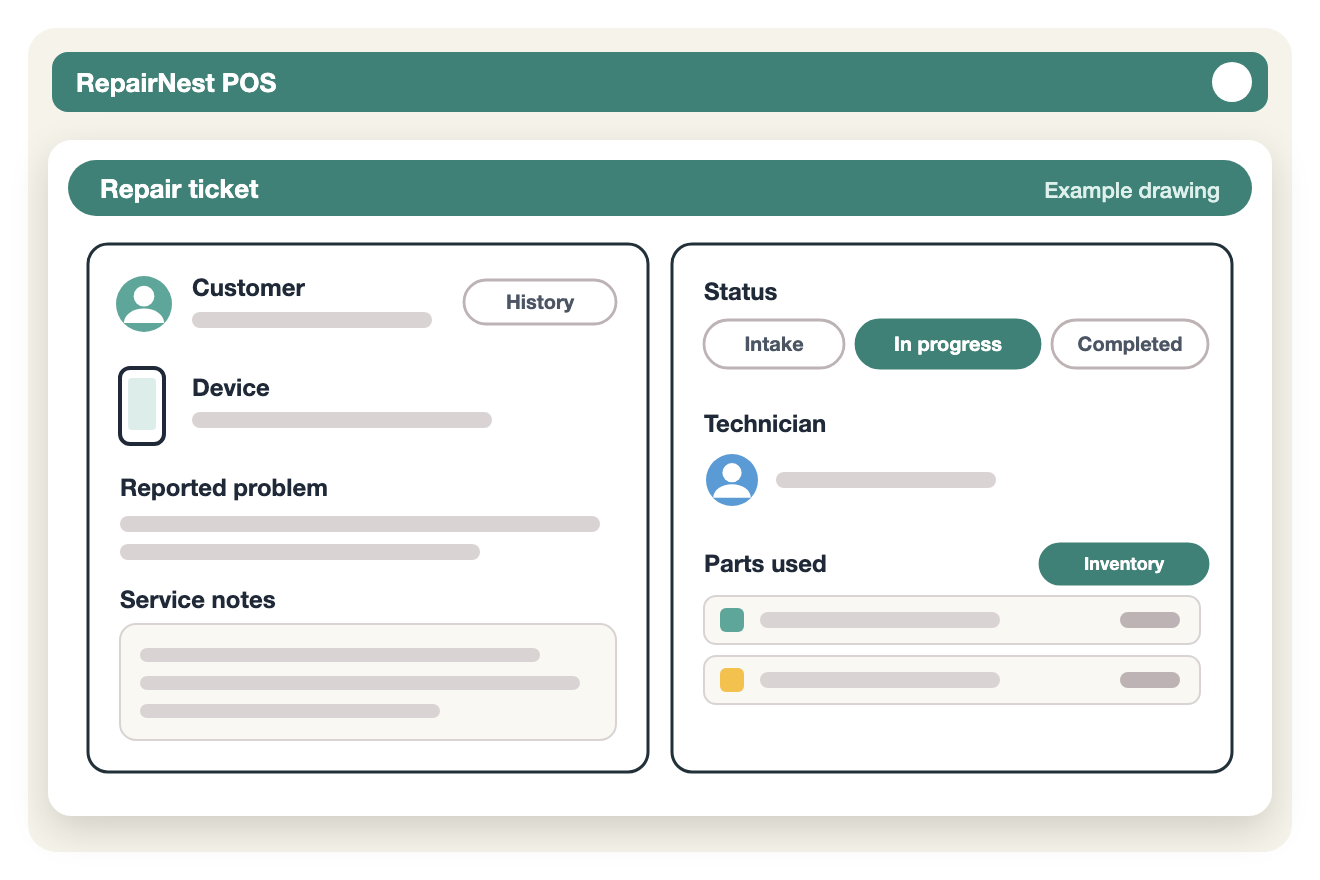
Try RepairNest POS yourself: create a sample repair ticket and ring up a phone and accessory sale.
— Who it’s for
RepairNest mirrors the way repair businesses work in the real world. From device checkin and diagnostics to parts allocation and customer notifications, every step is designed to reduce manual work and avoid mistakes.
No spreadsheets.
No disconnected tools.
No guesswork.
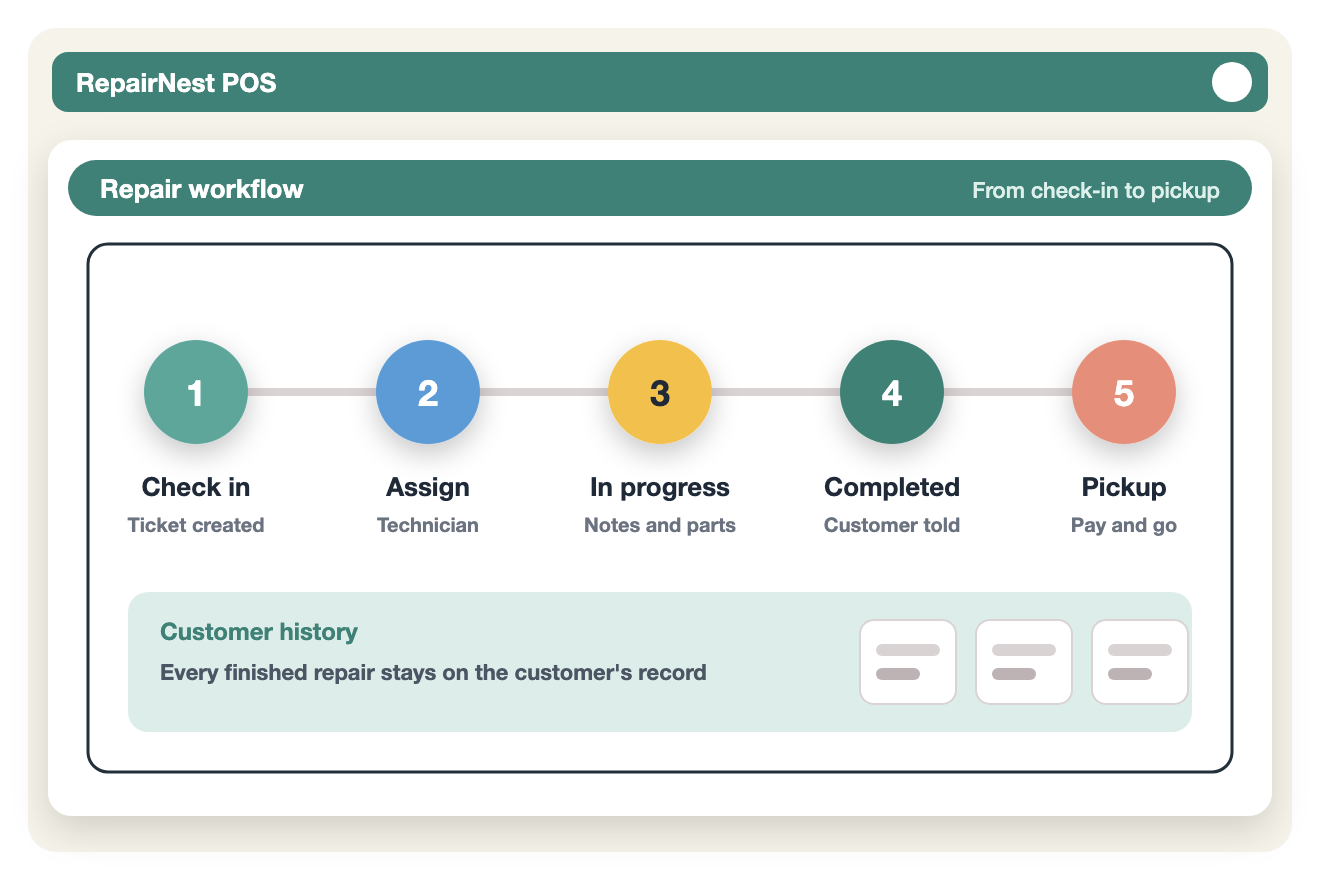
RepairNest is POS software for cell phone stores and repair shops of all sizes, combining simple workflows with powerful tools to manage repairs, sales, inventory and customers.
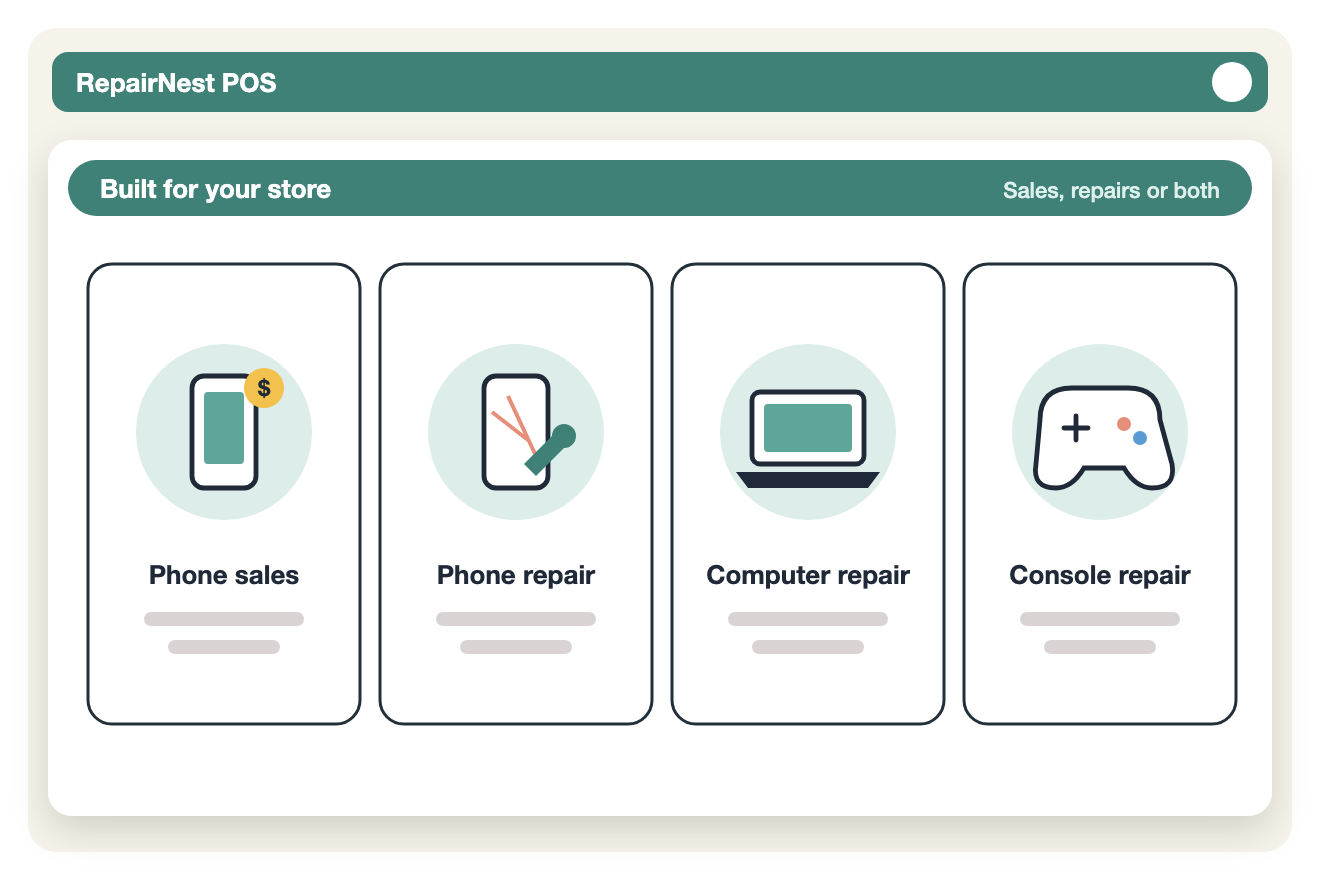
— Who it’s for
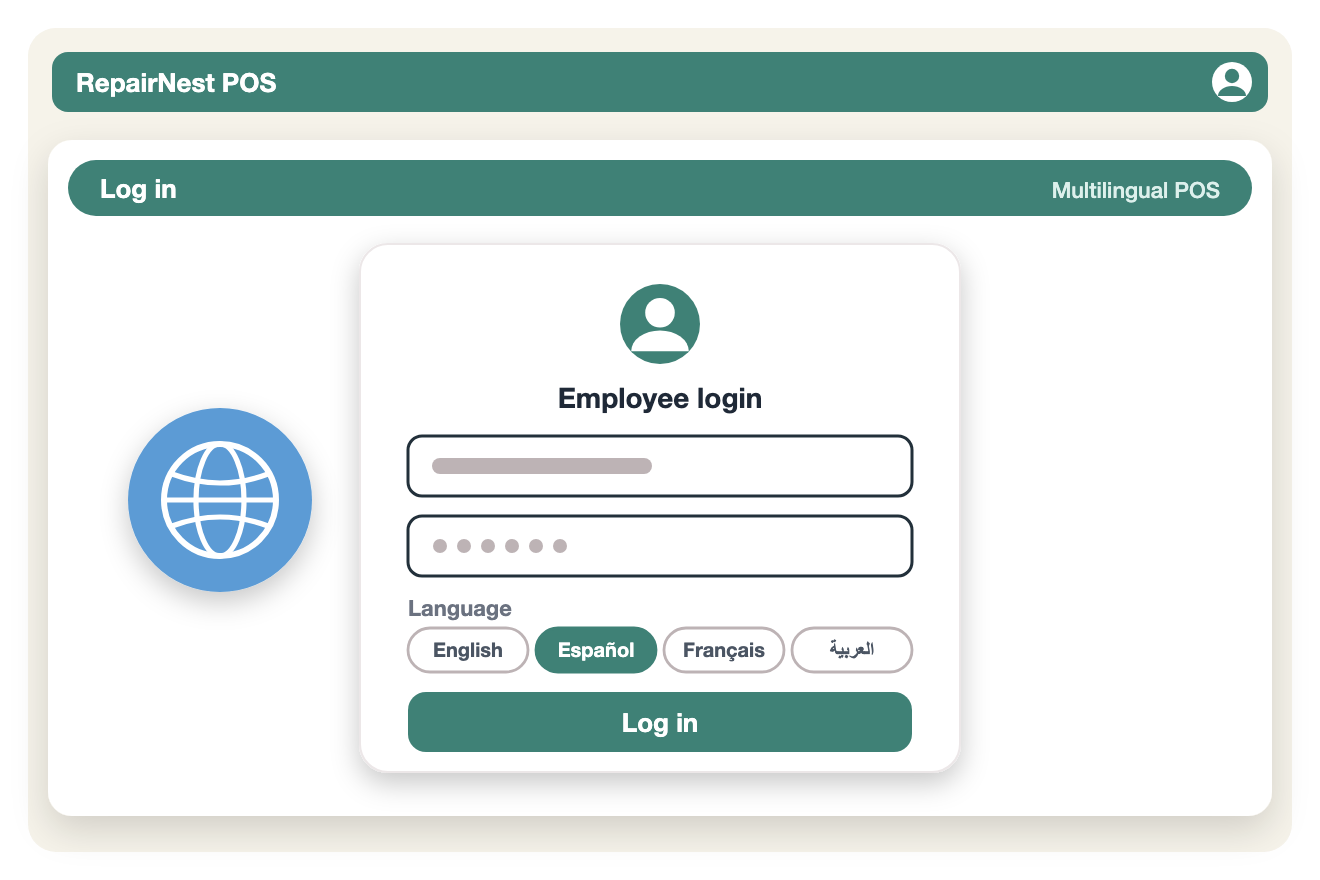
— How it works
Simple to Use. Powerful Under the Hood.
Your team can start using RepairNest quickly with little to no training required.
— Why shops choose us
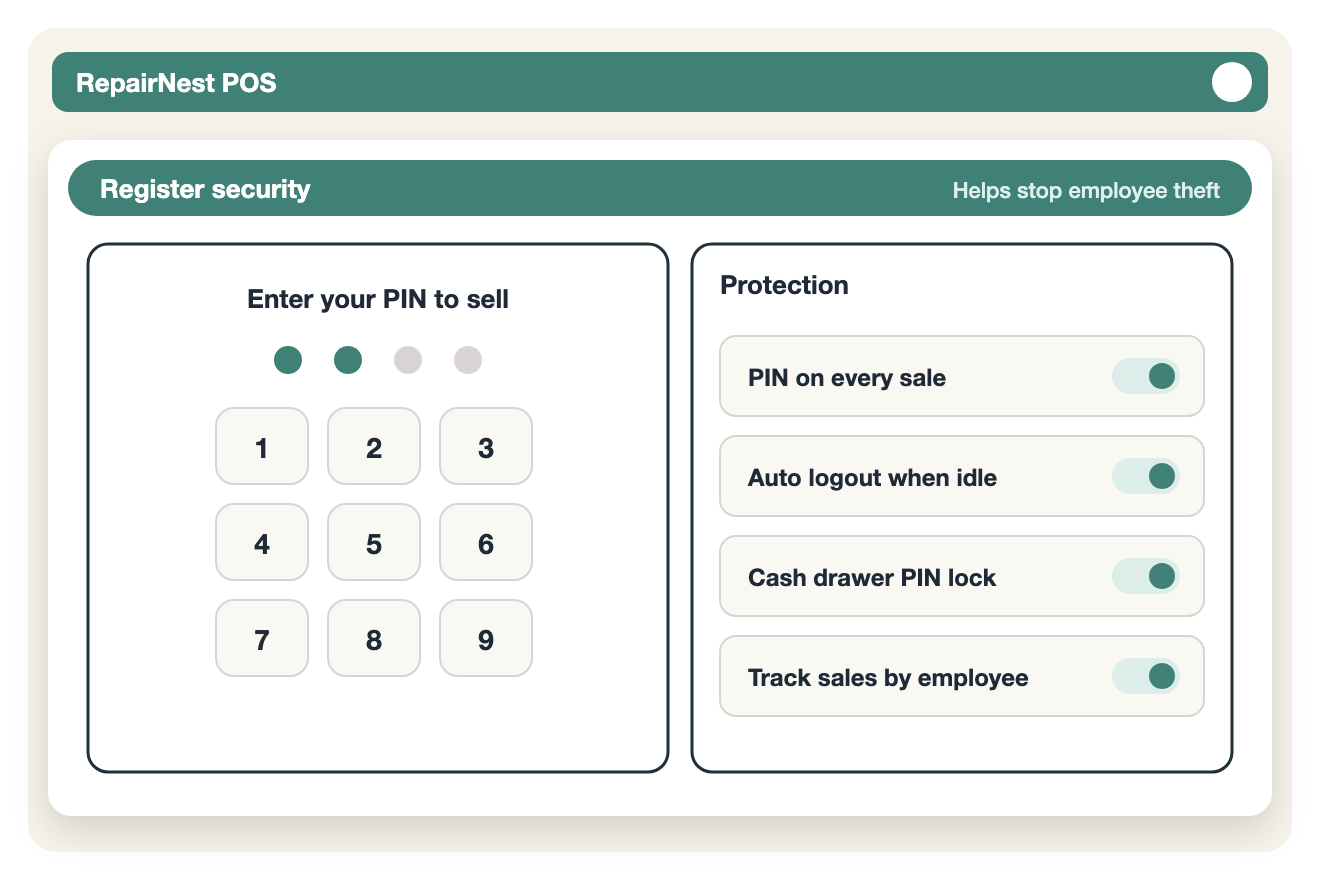
Know who rang up every sale, and keep your cash and stock where they belong.
Many stores sell phones and accessories and never fix a single screen. RepairNest POS is cell phone store software for them too:
A simple way to price phone repairs from your own numbers: parts, labor, overhead and a warranty buffer give your break-even price, then add your margin.
Apple’s first foldable, the iPhone Duo, is already reshaping the conversation at repair counters. Early industry estimates put a full
Introduction: The Technological Shift in Mobile Device Repair Operating an independent cell phone and electronics repair shop in the United
The Fine Line Between Profit and Loss in Device Repair Operating a cell phone and electronics repair shop in the
A repair POS includes repair ticket workflows, IMEI tracking, technician assignment, and parts inventory integration. Retail POS systems focus mainly on product sales.
Square and Clover are retail focused systems. They can process payments but lack structured repair ticket management and device level tracking needed for repair businesses.
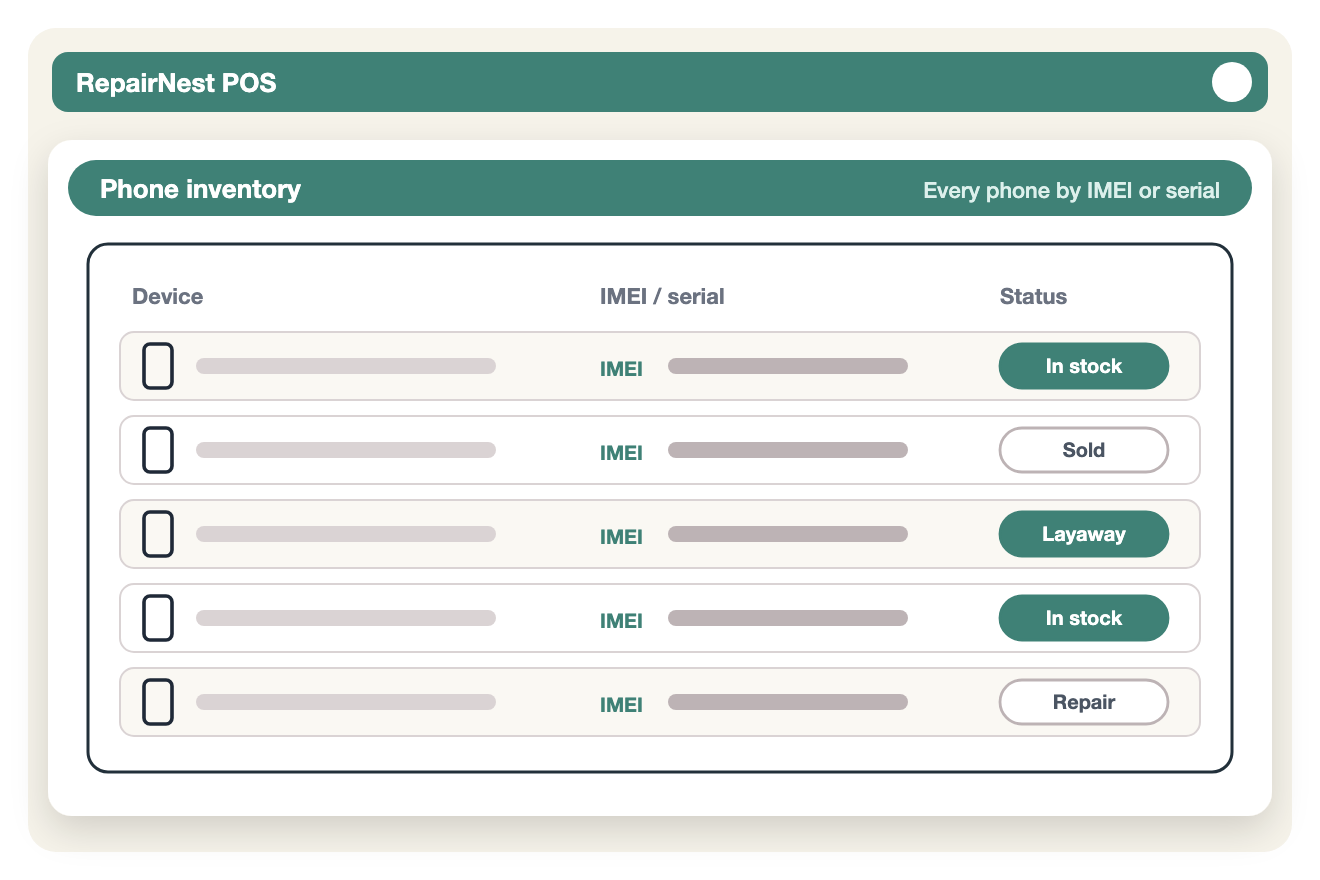
IMEI tracking ensures device level accountability, prevents duplicate entries, supports refurbished sales, and protects against disputes.
Yes. Cloud based POS systems provide real time updates, remote access, automatic backups, and easier scalability.
Repair POS systems should provide repair revenue reports, technician performance analytics, parts profitability reports, inventory turnover insights, and customer history tracking.
If you are using spreadsheets for repairs, struggling with inventory accuracy, lacking technician visibility, or planning to scale, you have likely outgrown a generic POS.
Try RepairNest POS yourself, or talk to our team, and see how it simplifies your repairs, sales and inventory.